
An online family tree may already contain a branch that looks familiar, but a matching surname or suggested connection does not establish that the pedigree belongs to your family. Start with a deceased relative you can independently identify, search the available trees, and inspect how each claimed connection is supported. The key question is not “Can I see a tree?” but “Can I verify the link from my known relative to the proposed next generation?” This guide is about discovering and auditing existing trees, rather than starting genealogy from scratch.
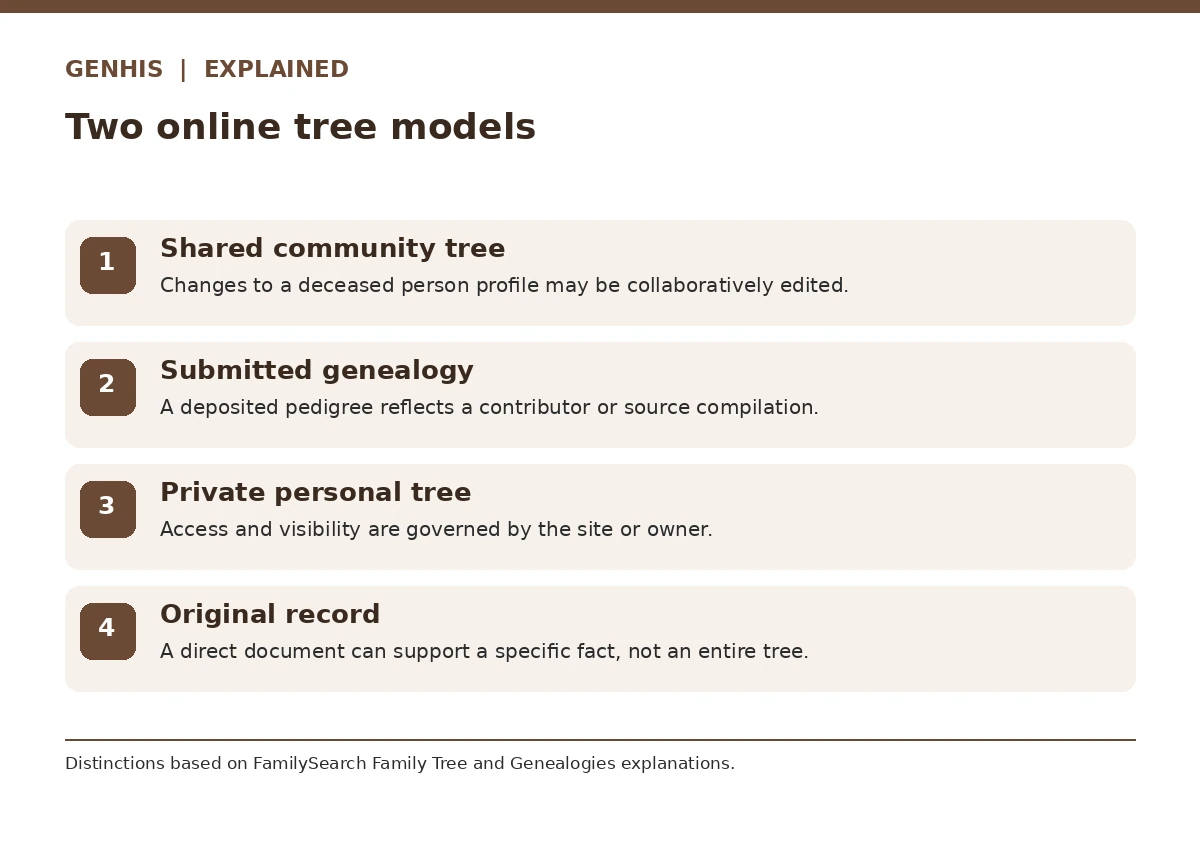
Tree websites present different kinds of material. FamilySearch describes its Family Tree as a shared community structure for deceased profiles, while its Genealogies area contains contributed lineage collections that are organized separately. Both may offer useful leads. Neither turns every user-entered relationship into a primary document. Understanding that distinction protects you from copying an error through several generations.
Start With One Documented Person, Not a Surname
Select a deceased parent, grandparent, or other relative for whom you have enough known details to recognize a plausible profile: name variants, an event period, a place, and perhaps a spouse or parent identified by reliable evidence. Work from the most recently established generation toward earlier people. A broad surname search may reveal unrelated branches with similar names and can make a famous or unusually extensive tree seem attractive simply because it is visible.
Search the chosen service’s family tree or genealogy collection using only the details you can justify. If a deceased profile is proposed, check its event places, dates, and relationships against your own source notes. If you find no obvious match, that means no suitable candidate appeared in that route; it does not mean that nobody has researched the family. Different services, private trees, books, local societies and repositories may contain different parts of the picture.
Understand What Kind of Tree You Found
In a collaborative shared tree, contributors may add sources or change the deceased person’s profile. This can improve a branch when documented corrections are made, but it also means an earlier statement may be amended. A separately submitted genealogy can reflect the compiler’s individual research, including assumptions that were never tested. A private personal tree may show only an extract or require permission from its owner. Their display formats may look alike, but their provenance is not the same.
A tree profile is usually a compiled assertion about someone. A census, marriage register, or other underlying document may be evidence for a particular statement if the actual contents support it. If a tree cites only another tree, you have followed a chain of references rather than independently confirmed the relationship. Note contributors and revisions where available, but do not mistake popularity, number of descendants, or color-coded record hints for proof.
Verify the Connecting Generation Before Expanding
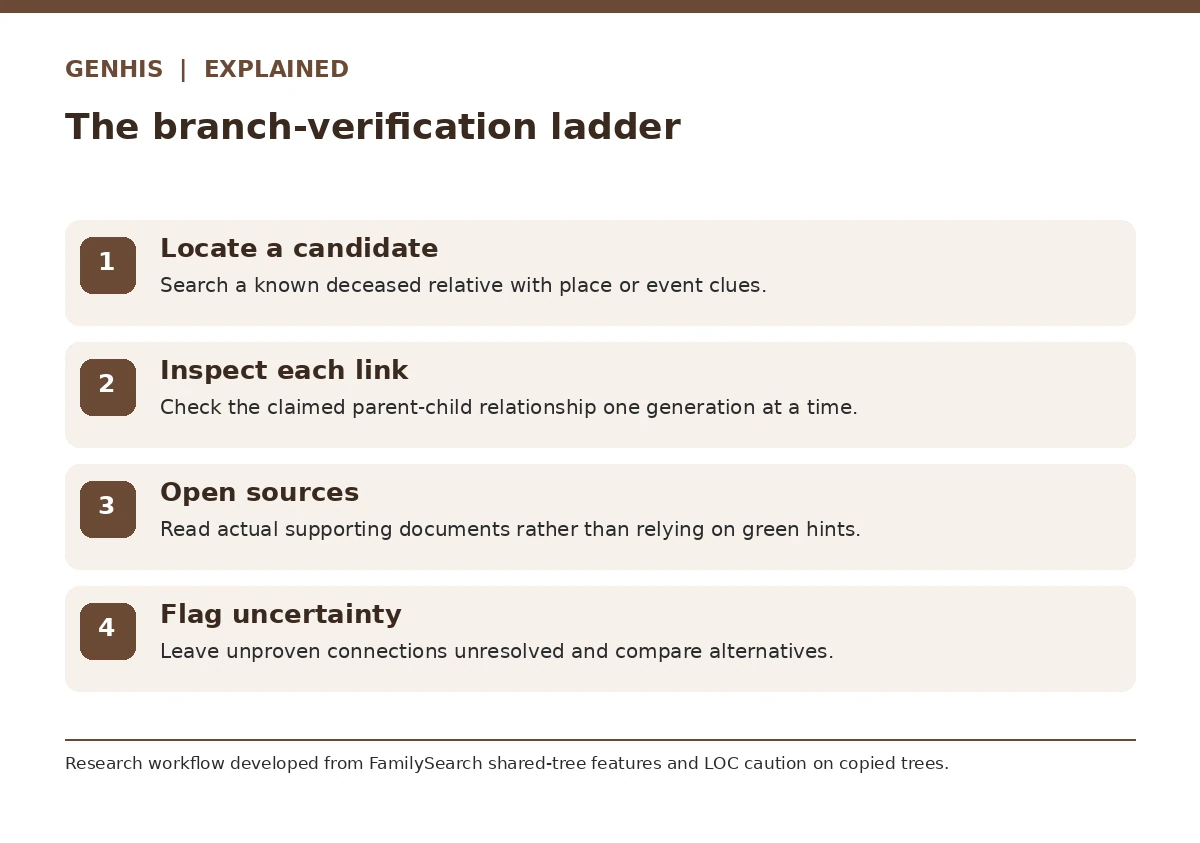
Draw a short connection from your documented person to the first proposed parent or child in the discovered tree. Ask which record explicitly names that relationship. If the attached source is an image, inspect it; if it is an index, investigate whether more context is accessible. Confirm that the names, dates, places and other relatives are consistent with your independently established evidence. Do not skip a generation to accept an impressive distant ancestor while the closer link remains unsupported.
A strong candidate connection may rely on several consistent sources, but conflicts still need analysis. People with matching names in the same region may be distinct. Records may vary in spelling or age; a contributor may have attached an unrelated record. Write a short note explaining why a particular source addresses this relationship and what it does not establish. If a parent is merely inferred from residence or surname, keep that conclusion provisional.
Audit a Fictional Online Branch Step by Step
Suppose an imaginary public tree lists “Eleanor Brook” as the parent of “Peter Brook.” The tree shows a birth year for Peter and a town for Eleanor but gives no linked parent-child document. This is a claim to investigate, not a historical fact. Your evidence worksheet should state that the relationship was asserted by the online tree, identify the contributor or page reference if available, and list the specific original record types that might support or contradict the link.
A second tree repeating that relationship is not independently stronger if its creator copied the first. If a genuine source later provides a child’s name and named parent, inspect the exact wording and assess whether it concerns the same individuals. You might ultimately verify the connection, reject it, or leave it unknown. The example deliberately contains no real archival finding, historical individual, or invented source citation; it models the audit trail a careful researcher should preserve.
Watch for Red Flags Before Importing a Branch
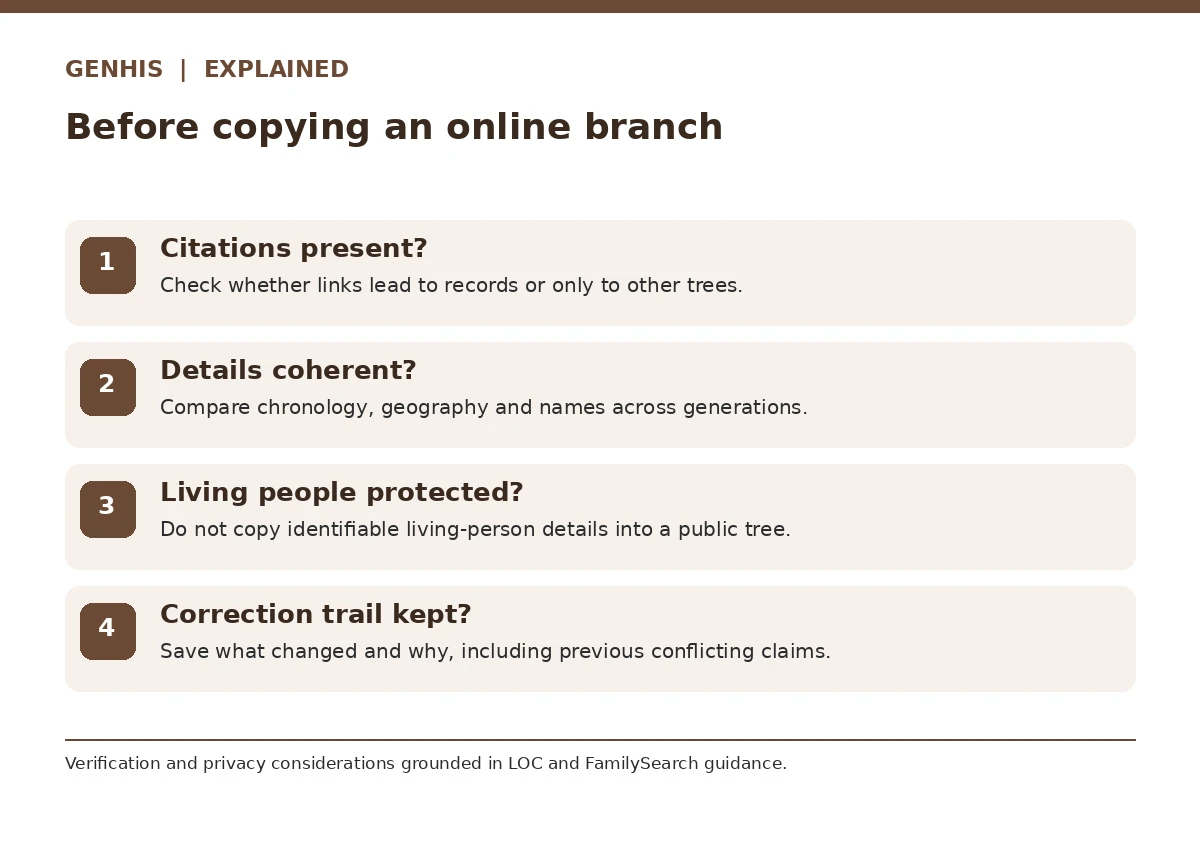
Question a branch when generations have implausible dates, locations shift without evidence, many links cite the same unsourced book, or a cited image does not actually name the people attached to it. Be cautious about pedigrees that leap from a common surname to nobility, a named ethnic community, or a notable historical figure. Historical social identity and family relationships are not established by a shared surname or a DNA ethnicity estimate. An attractive graphical pedigree can hide fundamental gaps.
Do not download and republish personal data about living people merely because a website shows it. FamilySearch states that the ordinary private profiles created for living people are not generally public within its main tree; individual products and settings still require attention. Obtain permission for sensitive personal details, follow the chosen platform’s controls, and keep a separate private working file if needed. Public family claims should focus on the documented historical connections relevant to the stated research purpose.
Keep a Separate Source Trail and Correction Record
For each imported or rewritten relationship, capture the online tree URL, profile identifier if available, date consulted, contributor context, and a list of underlying documentary sources actually opened. Record which facts remain unverified. If you later correct a parent, save the prior claim and explain why the evidence supports the revision; otherwise another researcher may restore the same mistake. Use a family group worksheet to show a single generation’s proposed links and citations clearly.
A useful output is a three-column audit: Tree claim; Independent support; Status. An unsupported claim remains “unverified” even when it appears on multiple sites. A directly stated parent-child relationship in an inspected source may support a link, but you still must establish that the named people are your targets. Treat the audit as a living research note rather than a score assigned to distant ancestors.
Know When an Existing Tree Has Helped Enough
A found tree has done its job if it supplied a plausible locality, a record citation to inspect, or a documented connection you could test. You do not need to import the entire branch. Sometimes the productive outcome is discovering that two candidates with the same surname were conflated. Other times it is locating an original record you never knew existed. That counts as progress even if no new ancestor can yet be added.
The Library of Congress explicitly recommends doing your own research even when a book or online pedigree appears to include your line. Preserve the difference between the tree’s assertion and your verified conclusion. Share corrections respectfully, identify source limitations, and let unresolved questions remain unresolved. A reliable five-person branch is a better foundation than hundreds of copied and uncertain names.
How We Research and What These Sources Establish
Our examples are deliberately fictional teaching cases, not identified historical people. We distinguish what a source reports from a reasonable hypothesis and what is unknown. This guide is informational, not a determination of family identity. Links below lead to the custodians or authors of the methods described; source availability and site interfaces can change. No paid partner relationship is asserted. See the affiliate disclosure policy (verified on GenHis on October 19, 2026).
Familysearch.Org: Fs Tree — FamilySearch describes its free community family tree, shared profiles for deceased persons and the limits of record hints.
Familysearch.Org: Fs Genealogies — FamilySearch distinguishes collections of contributed genealogies from the unified shared Family Tree.
Familysearch.Org: Fs Faq — FamilySearch describes adding relatives and looking for matches in its shared global family tree.
Ask.Loc.Gov: Loc Start — Library of Congress advises beginning with known family, interviewing relatives, gathering family papers, and independently checking published trees.
It may suggest existing branches, but those links are not automatically proven. Check each connection against records and family information.
A shared tree is collaboratively updated; a submitted genealogy is an individual or institutional contribution that requires independent checking.
No. It is a claim in a compiled tree unless its attached underlying record supports that precise relationship.
Contributors may have made different assumptions, attached records to namesakes, or copied errors. Compare underlying sources and uncertainty.
Use the service’s privacy controls, obtain appropriate consent, and avoid posting living-person identifying data publicly.